
Every project on one page, without building the pack by hand.
Your executives want every project on one page, and your data team wants P6 in the data warehouse with every other system. Both stall on the same thing: P6's data isn't laid out for either. We map your P6 data, build what you don't have the people to build, and check every number against P6.
A monthly pack built by hand, and still no view of the portfolio
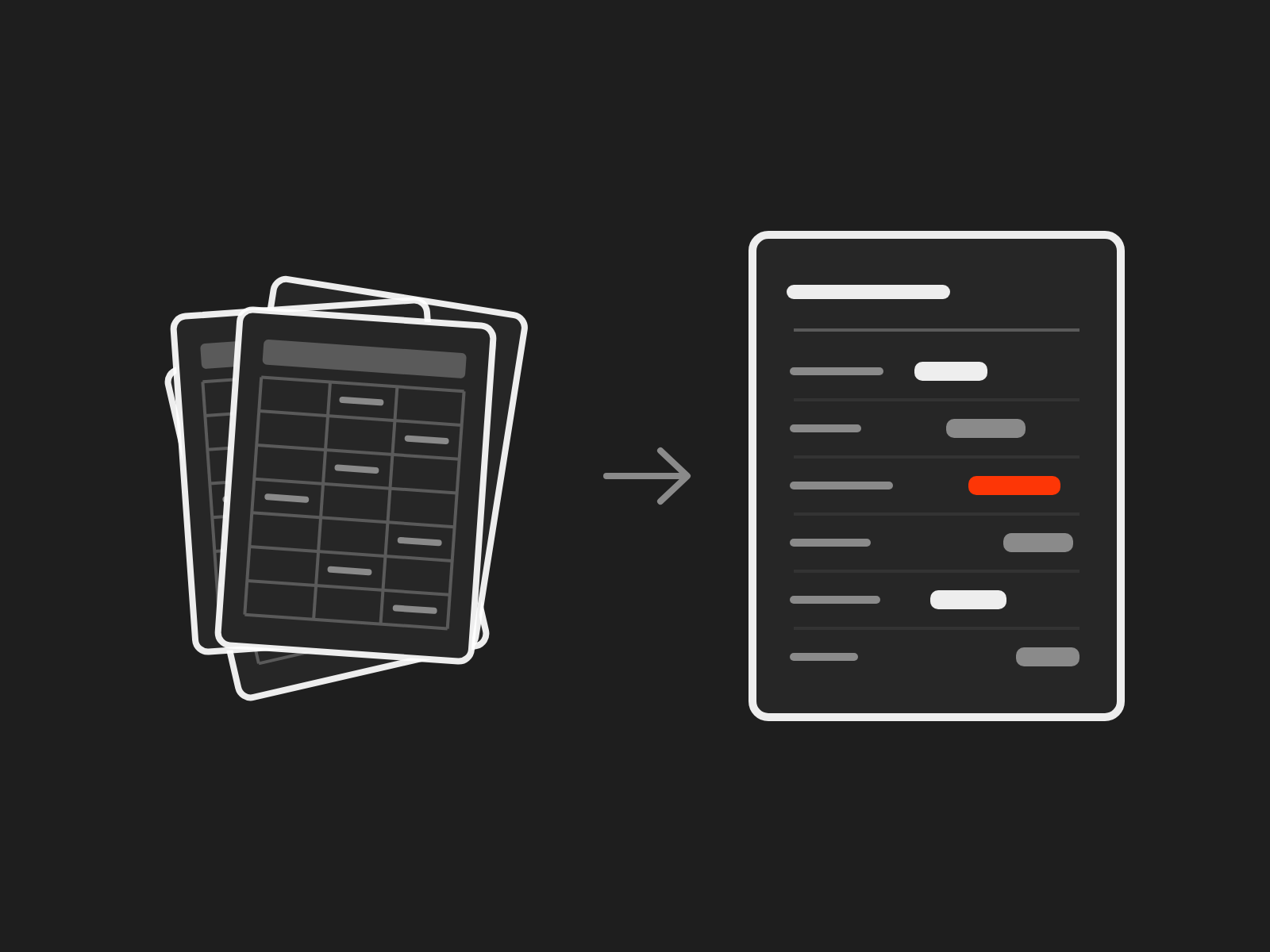
Every month someone exports P6, asks finance for the cost figures and pastes both into the pack. It takes days, the numbers rarely agree, and each project reports its own way. The executives get a stack of pages but never one view of the portfolio.
What changes
- A monthly pack built by hand becomes reporting that builds itself. The reports draw on P6 and your cost data at the source, so nobody rebuilds them each month.
- Executives can't see the portfolio becomes a portfolio view on one page: every project, the same measures, the same cut-off date.
- Cost and time merged by hand becomes cost and time in one report, joined on shared codes so the two sets of numbers agree.
If your projects code their work differently, no report can line them up. One coding standard comes first, and Primavera Optimisation sets that standard so your reports line up.
Your data warehouse has everything but P6
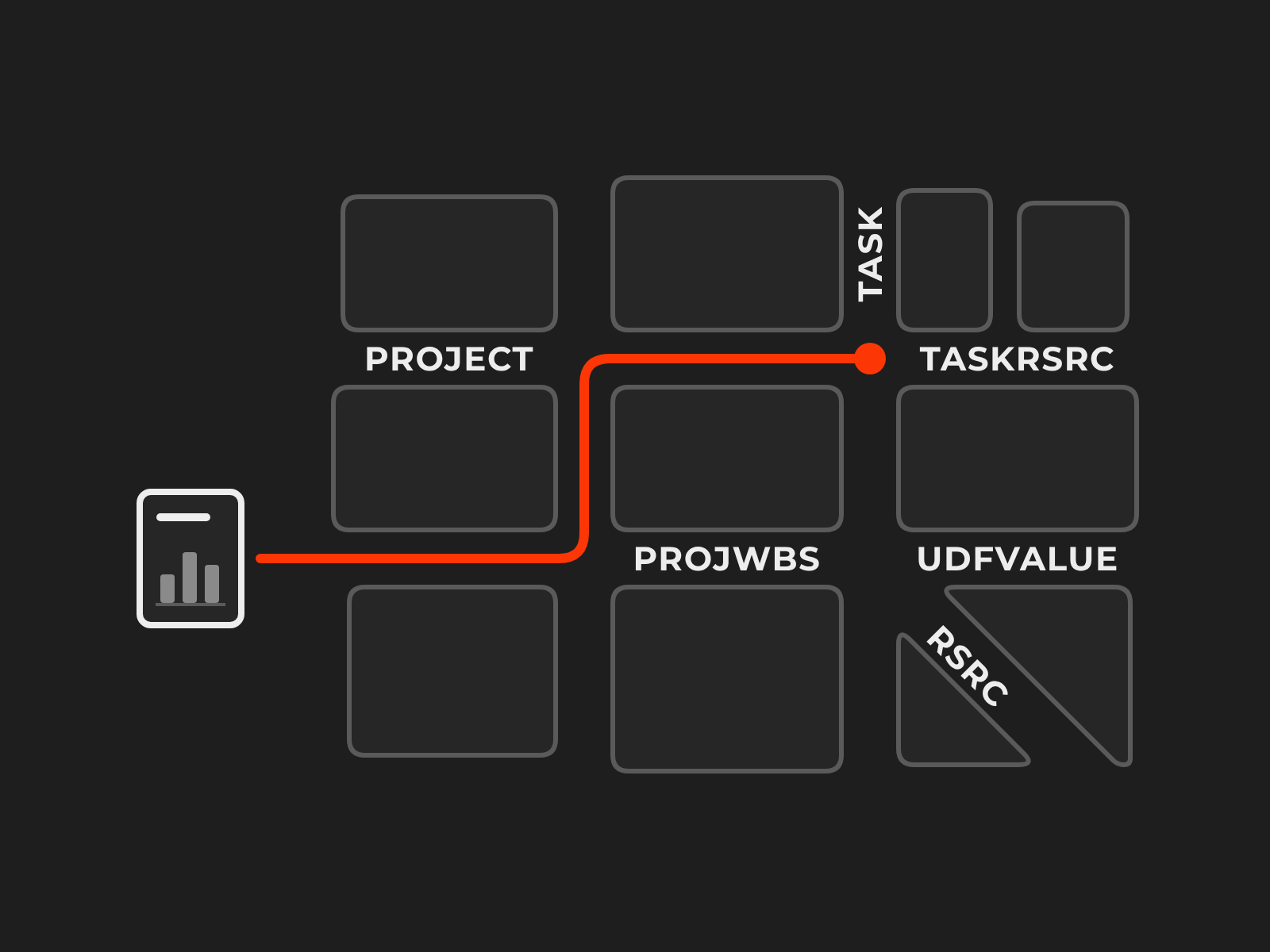
Your data team has brought finance, HR and asset systems into the data warehouse. P6 is the one that won't load cleanly. Its tables were built to run schedules, not to feed analytics. Activity codes and user-defined fields sit in rows that differ from project to project, and some figures P6 shows on screen are calculated as it runs rather than stored. Deleted activities stay in the tables, marked rather than removed, until a clean-up job purges them, so a nightly load that misses the marker keeps deleted work in your reports. Every upgrade, or a move to Oracle's cloud, can break the pipeline again.
We work alongside you as the people who know P6. For the P6 you run, set up the way you run it, we start with what any data team expects from a source system:
- A source map: which tables hold your projects, WBS, activities, resources, codes and baselines, how they join, and which rows to leave out.
- The rules: hours to days through each calendar, which baseline counts, each project's data date, and how to pick up changes and deletions.
- Checks against P6: queries that compare the warehouse with what P6 shows, so the numbers are trusted before the first dashboard.
- The join to finance: how P6 projects and cost accounts line up with your ERP's codes, and who keeps that mapping current.
Then it depends on the team you have. If you don't have the people to build it, we build the pipeline into your data warehouse or reporting database, check it against P6 and hand it over running. If you have your own data team, we advise on how to structure your enterprise reporting around P6, and your team builds on the map. Either way the map is yours to keep, and if P6 is moving to Oracle's cloud, we plan the extraction around what Oracle provides there, so the move doesn't break the warehouse.
From the pack you build by hand to reports that build themselves
-
1
Tell us what you need
Every project on one page for your executives, or P6 in your data warehouse for your data team. Fill in the form at the bottom of this page. We read every enquiry and aim to be in touch within one business day.
-
2
A short scoping call
The reports you build today, where their data comes from (P6, your cost system, spreadsheets) and who reads them.
-
3
The data maps
Where each number lives, how the sources join, and the codes and cut-off dates every project will share.
-
4
The reports, built and checked
Each one is tested against the pack you build by hand today, until the numbers agree.
-
5
Handed over
The maps, the reports and the notes are yours, for your team to run.
Questions people ask
Do we have to change reporting tools?
No. The aim is reports in the tool your people already use, such as Power BI.
Our projects use different codes. Can you still report across them?
Not reliably. One coding standard comes first, and that work sits on the Primavera Optimisation page. The portfolio view then uses it.
Can cost and time really sit in one report?
Yes, once both use the same codes and cut-off dates. Tell us which system holds your costs, and the scoping call confirms what can be joined and how.
Does it matter which data platform we use?
No. The map, the rules and the checks describe P6, not your platform. If we build the pipeline, we build it in the platform you already use.
We don't have a data team. Can you still help?
Yes. We build what you need, from P6 into a reporting database and the reports on top, and hand it over running with notes your people can follow.
Should we read the P6 database directly or use Oracle's services?
It depends on where P6 runs and what your database and security teams allow. We weigh the routes with you: the P6 database itself, Oracle's reporting layer (the Extended Schema, which stores some values the database doesn't) and Oracle's service for extracting data. They differ in how fresh the data is, the load on P6 and what your security team will accept.
Who can see what once P6 data is in the data warehouse?
P6's project access rules don't travel with the data. We document who can see which projects in P6, so your team can set up the same access in the warehouse.
How long does it take?
It depends on how many reports and sources are involved. The scoping call sets the timeline before anything starts.
Every project on one page, find out how
Tell us what your executives need to see, or where P6 needs to land in your data platform. We read every enquiry and aim to be in touch within one business day.