
Cloud deployment options

Choose the right cloud for your P6, then move it without breaking anything.

Moving P6 to the cloud changes where it runs, who looks after it, when it is upgraded and what it costs over the years. We help you decide on facts whether to move and where, then plan and do the move.

Pick the question that's on your mind.

Each question opens its own hub. You'll see the problems behind it turn into outcomes, and the work that solves each one.
  • Should our P6 move to the cloud?
    • IT wants P6 off our servers, becomes: Move or stay, decided on facts. Solved by Cloud options review.
    • JV partners can't get into our P6, becomes: One P6 the whole JV can use. Solved by Cloud options review and set-up.
    • Hearing about different cloud versions, becomes: The right one for you, side by side. Solved by Cloud options review, with Licensing & Procurement for the licence side.
    • Nobody can say what the cloud will cost, becomes: Costs compared like for like, in writing. Solved by Cost comparison.
    • Not sure it's a simple lift and shift, becomes: Every change known and tested up front. Solved by Cloud migration.
  • How do we move without breaking anything?
    • Integrations that might break, becomes: Integrations tested before cut-over. Solved by Cloud migration.
    • Not sure what changes for our planners, becomes: Every change listed and tried by your planners. Solved by Cloud migration.
    • Unsure how much more work for our team, becomes: Who does what, agreed before the move. Solved by Cloud migration.
    • Worried P6 will be slower, becomes: Speed tested from your offices. Solved by Cloud migration.
    • No plan for the move, becomes: Every check agreed before anything moves. Solved by Cloud migration.
  • Where will our data live?
    Choosing a cloud option

    IT says cloud. Nobody says which one.

    IT has a cloud plan, and P6 is on the list. The choices sound alike but are not. You can keep P6 on your own servers or move it to the cloud your IT already uses, take P6 SaaS (Oracle's P6 EPPM Cloud Service), or move to Oracle Primavera Cloud, which is a different product altogether. Each changes who looks after P6, when it is upgraded and what you pay, and no two quotes compare like for like. Staying where you are can be the right answer too.

    We set the options side by side against how you work, which means your integrations, where your data has to stay, how much your IT can take on and how often you are willing to upgrade. Then we compare the costs like for like over the same years, including the costs that are easy to miss, which we list below. Our Licensing & Procurement page helps you work out the licence side of each option, and that goes into the same comparison. You get the best fit in writing, with the facts behind it, so the move is decided on facts, not on a deadline.
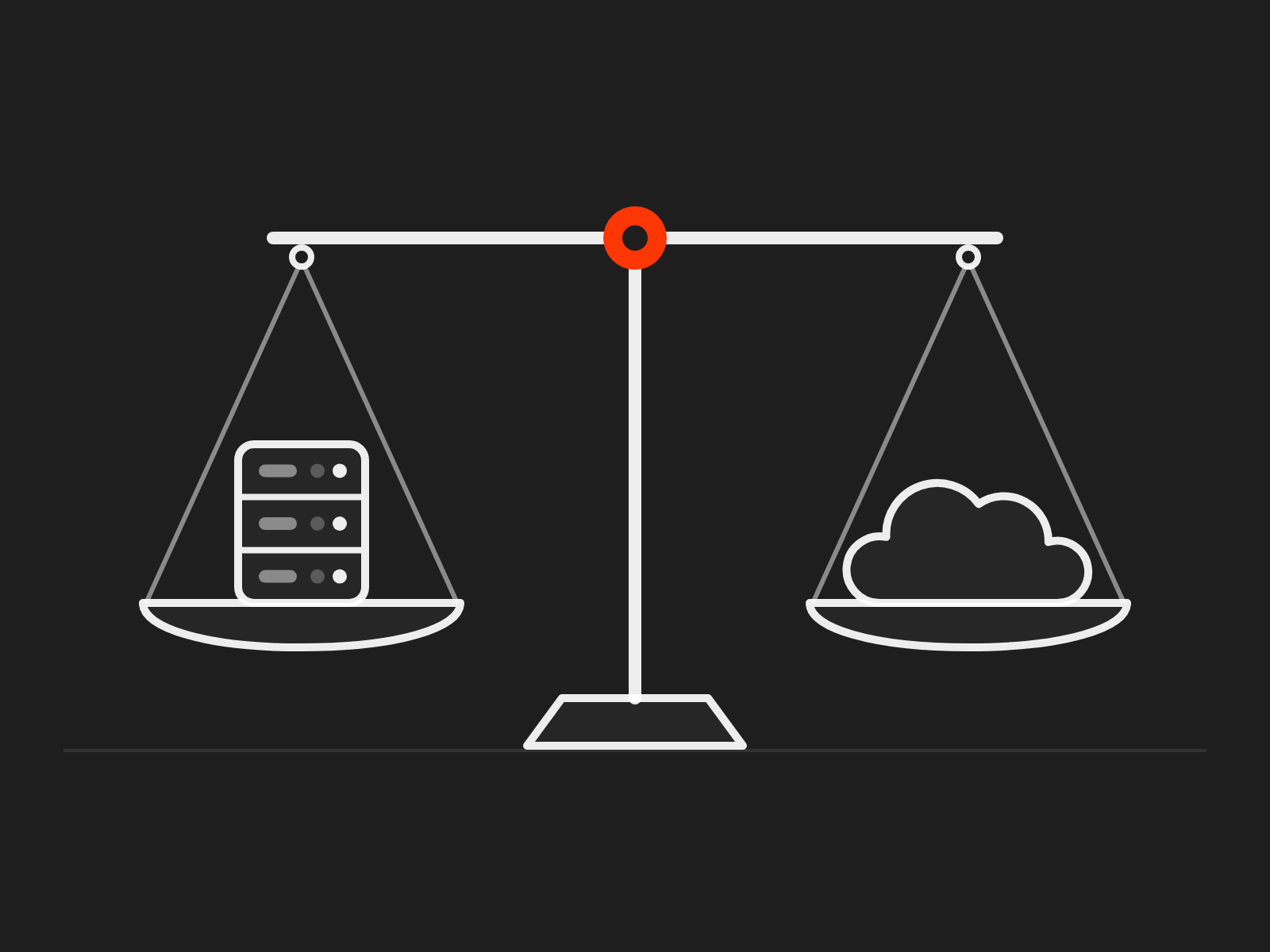
    Compare the cloud options
    A balance with a server on one pan and a cloud on the other
    • P6 on your own servers or your IT's cloud

      The P6 you run today, on servers you own or on cloud servers your IT already uses.

      Who runs the servers
      Your IT, as today.
      Who decides when it is upgraded
      You, as today.
    • P6 on Skyhigh Cloud

      The P6 you run today, on cloud servers we run for you. Hidden until the hosting facts are confirmed

      Who runs the servers
      Skyhigh.
      Who decides when it is upgraded
      You, on a schedule we agree with you.
    • P6 SaaS

      Oracle's P6 EPPM Cloud Service: the P6 EPPM you know, run for you by Oracle as a subscription.

      Who runs the servers
      Oracle.
      Who decides when it is upgraded
      Oracle, on its own schedule.
    • Oracle Primavera Cloud

      A different Oracle product, built for the cloud. It is not P6, so your planners would have to learn it.

      Who runs the servers
      Oracle.
      Who decides when it is upgraded
      Oracle, on its own schedule.

    Oracle's own pages describe Primavera P6 EPPM, including P6 EPPM Cloud Service, and Oracle Primavera Cloud. Oracle's data sheet covers moving P6 EPPM to the cloud (PDF).

    Joint ventures

    One P6 for the whole JV

    When a joint venture forms, each partner brings its own P6 and its own sign-on, and IT doesn't want to create accounts for another company's people in its own domain. Once outsiders are in, keeping them out of everything that isn't for the JV depends on nobody ever making a mistake.

    Each PMO has a portfolio it won't share. Even when IT opens the door, the PMO wants the partners' planners kept away from its other projects, its resource dictionary and its rates, and every partner follows its own governance, so the codes and the data quality drift.

    A P6 set up for the JV itself, on P6 SaaS, Oracle Primavera Cloud or one partner's cloud, settles both. Each partner signs in through its own identity provider, nothing outside the JV is in the system to see, and the ground rules, standards and reporting are agreed on day one. We set it up and govern it, and the JV gets a clean archive when it ends.
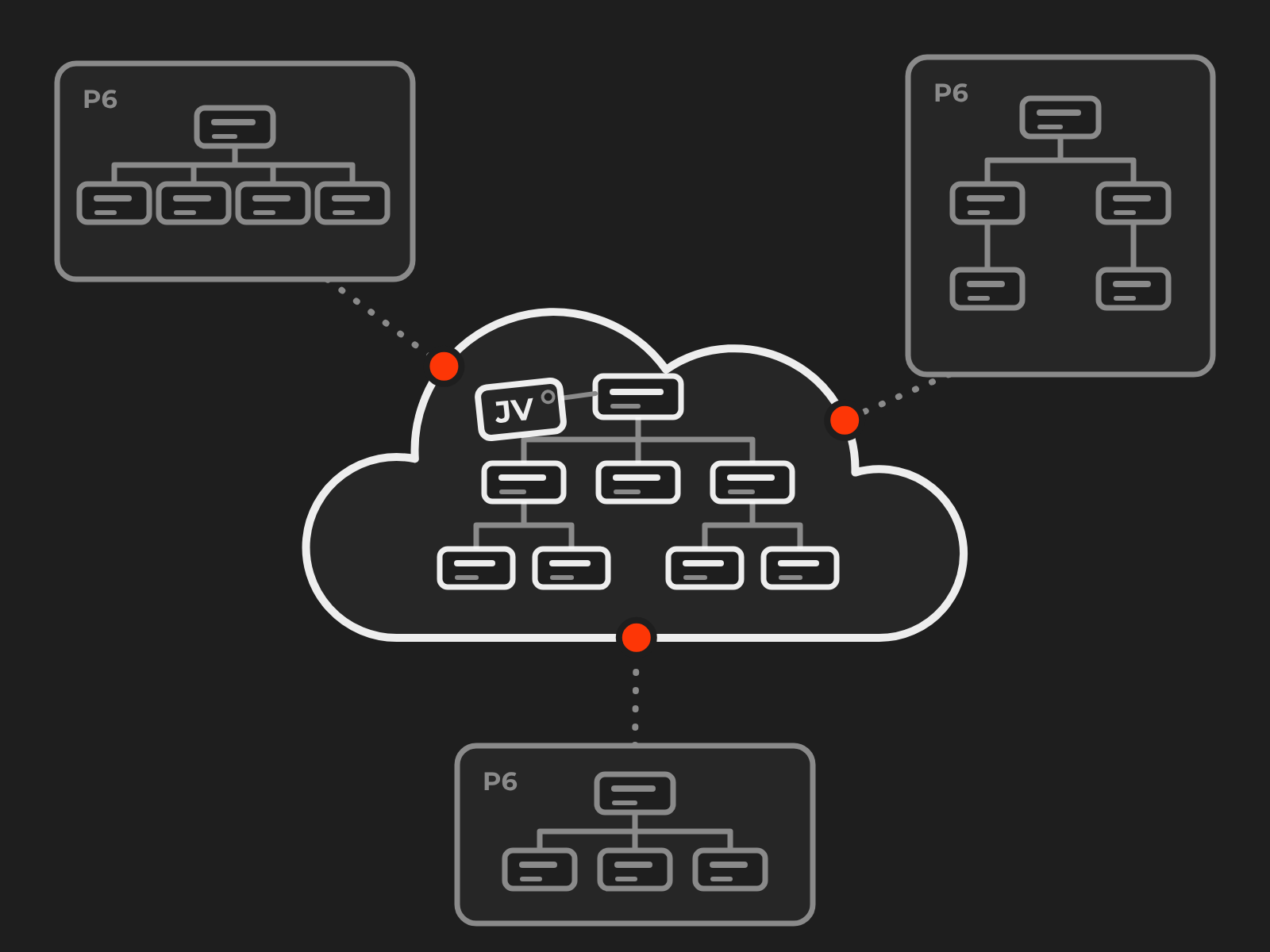
    Plan a JV environment
    One P6 for the joint venture in a cloud at the centre, with three partners' different P6 structures around it, each joined to the centre by a dotted line

    Hidden until the hosting facts are confirmed

    Skyhigh Cloud

    IT doesn't want to run P6. You don't want a new product.

    Your IT would rather not keep servers, patch a database and plan upgrades for a system only the planners use. Oracle's cloud services take the servers away, but on Oracle's update schedule, and Oracle Primavera Cloud is a different product your planners would have to learn. What you want is the P6 you have, run by someone who knows it.

    Skyhigh Cloud hosts your P6 on cloud servers we run, and looks after the database, backups, patches and upgrades on a schedule we agree with you. Your schedules, configuration and reports stay as they are, and your planners log in as they do today. The administration comes with Managed Support (your Pit Crew), which takes P6 administration off your planners, so one team answers for P6 and the servers it runs on. Our Primavera Support page shows what the crew does.

    Your IT hands over the servers, and your planners keep the P6 they know.

    What it includes

    • P6 hosted in the region you agree.
    • Backups every night, with restores tested.
    • Patches and upgrades planned with you, and tested by your planners before they go live.
    • The servers and P6's job services watched, with the response times in your support agreement.
    • P6 administration through Managed Support (your Pit Crew), which takes the administration off your planners.
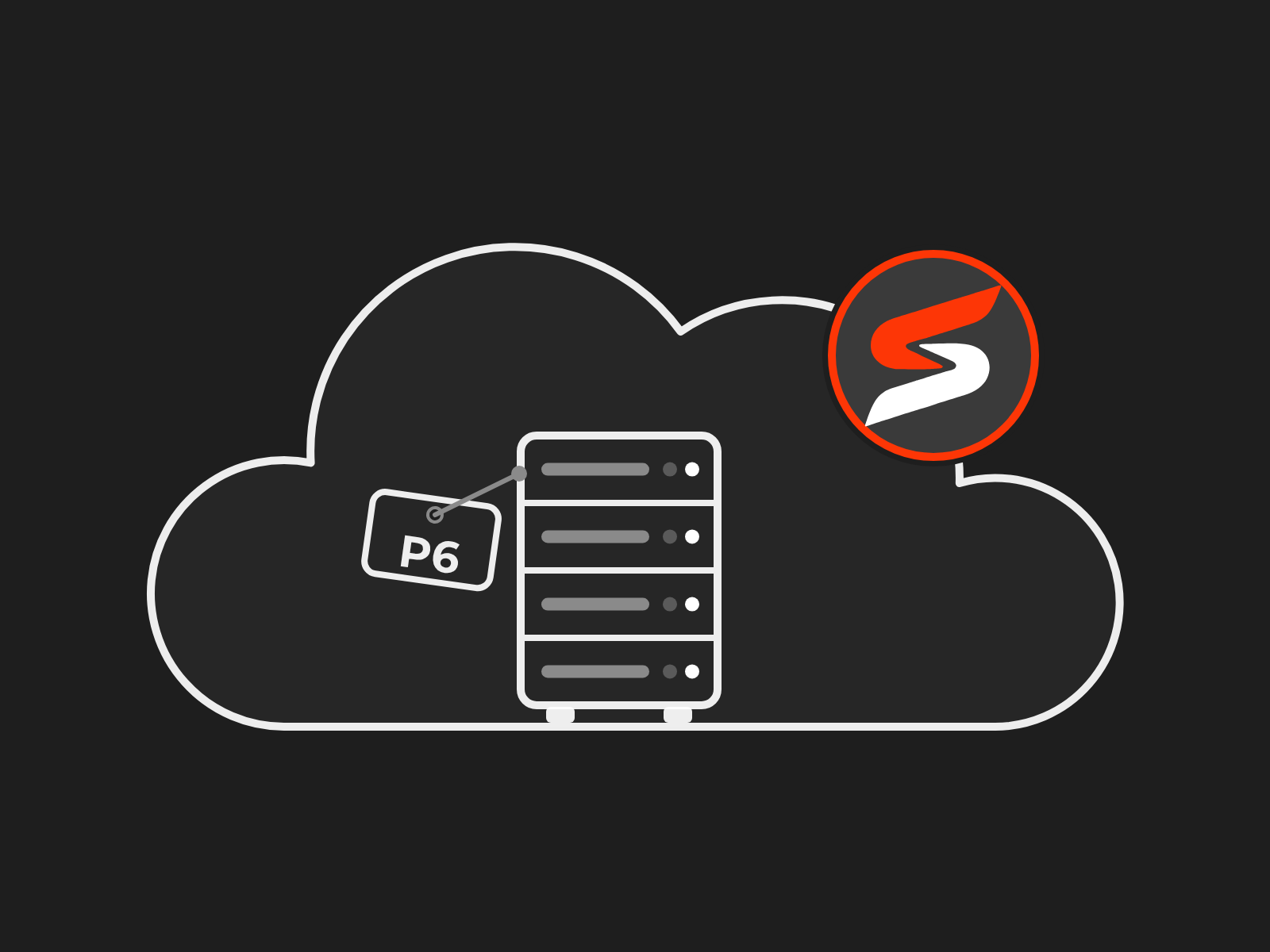
    Ask about Skyhigh Cloud
    A server rack tagged P6 inside a cloud, with the Skyhigh S icon as a badge on the cloud
    What the cloud will cost

    What the cloud really costs

    Cloud quotes rarely compare like for like. A subscription bundles some costs your servers hide, and leaves out others you'll still pay.

    Before you decide, count these costs for every option over the same years.

    • Servers or the subscription
    • Database licences and support
    • Backups and disaster recovery
    • IT time to run, patch and upgrade
    • Upgrades and the testing that comes with them
    • Your Oracle licences and annual support, and what happens to them when you move
    • The move itself, including planning, data, integrations and training
    • Running old and new side by side while you switch

    We put that comparison together for you, in writing, with every assumption shown, so finance can check it.

    Weighing up Oracle Primavera Cloud? Our Primavera Cloud page lists the costs that come on top of the subscription.
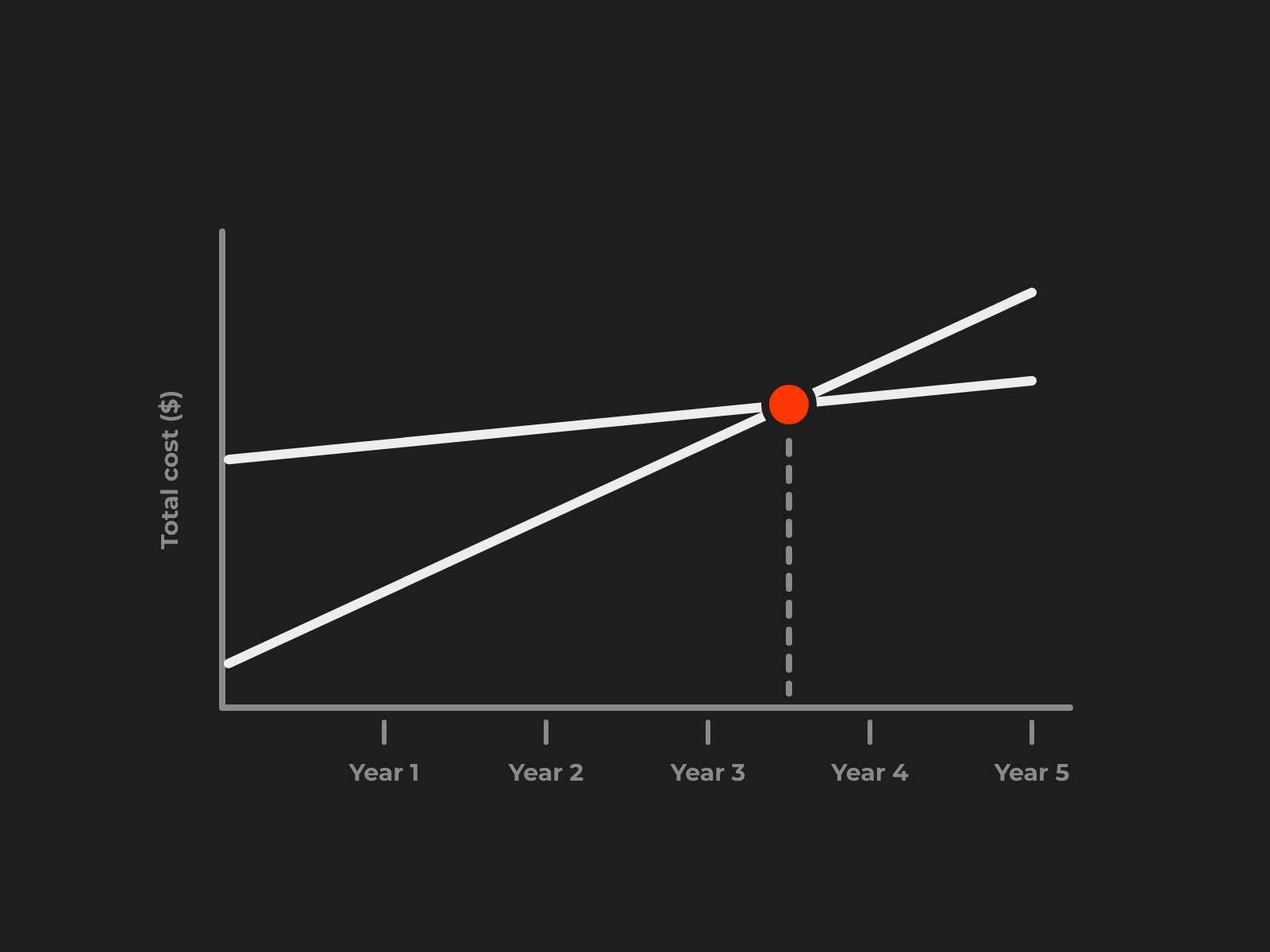
    Get the costs compared
    Two cost lines over years one to five, crossing where one option starts to cost less, with total cost up the side
    Moving to the cloud

    A simple lift and shift? Find out before you move.

    Moving P6 to the cloud sounds like a lift and shift, until something breaks. The integrations with finance, document control and reporting were built years ago, and nobody is sure which will survive the move. Your planners want to know what will change for them, and your team wants to know how much more work the cloud will mean, during the move and after it.

    We help you decide whether P6 moves or stays. If it moves, we do the P6 side. We analyse your current configuration, build the new environment for your planners to try, test every integration before cut-over, and cut over in an agreed window. If you've been running one database for years, we can also help you clean up the data first, if you'd rather start with a cleaner slate. You get a written list of what changes, for whom, and who looks after what once you're in the cloud.

    Every move goes through the ten checks below, which you can use to test any plan.
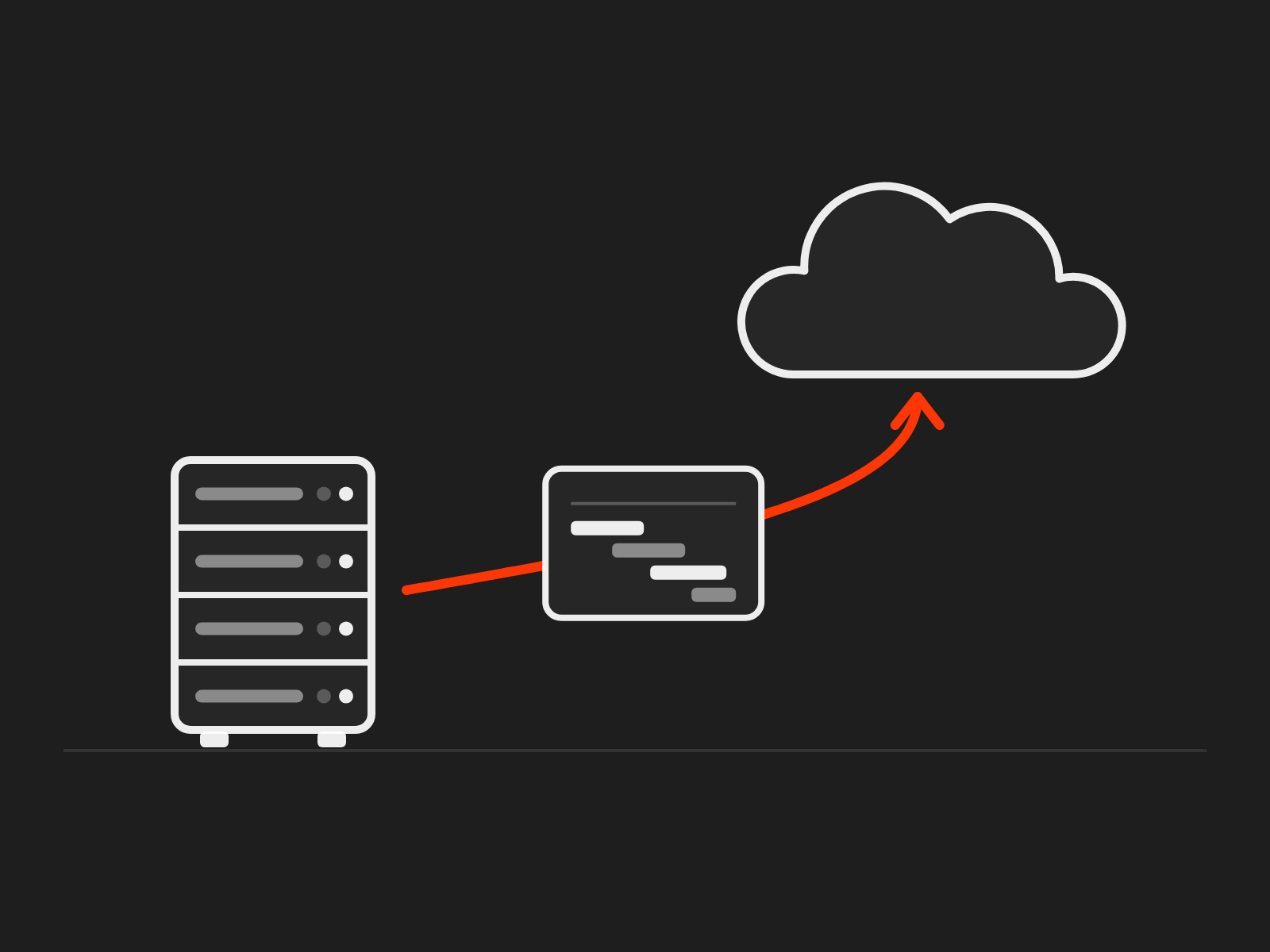
    Plan the move
    A server with an arrow up to a cloud, carrying a Gantt intact
    Migration checklist

    The checklist every move goes through

    Every cloud move we run goes through the same ten checks, in this order. Use it to test any plan, ours included.

    1. 1

      Your environment

      We analyse your P6 version, databases, users, integrations, customisations and reports before anything moves.

    2. 2

      Clean-up, assessed

      From that analysis we work out with you whether the data needs cleaning first, what can go and what must stay, so the options in the next step rest on facts.

    3. 3

      Cloud options and licences

      We set the cloud options side by side against how you work, and advise on the licence position for each, so you're compliant on the new platform before you sign anything.

    4. 4

      Security

      Your IT approves who can reach P6, from where and how they sign on, and sets up our access and the change approvals, because waiting for access is where moves most often lose time.

    5. 5

      Integrations

      We help configure and test each connection to the new platform, so every integration is confirmed before cut-over.

    6. 6

      Speed and performance

      Your planners open their own schedules from their own offices, in P6 Professional too, and check the speed before anyone commits.

    7. 7

      Rehearsal

      We run a full trial move and time it, and your planners check the result.

    8. 8

      Cut-over

      We move in an agreed window, with a go or no-go call and a way back if the answer is no.

    9. 9

      Rollout

      Your planners are brought onto the new environment with the documentation of what moved and how, and the old servers stay until you sign off.

    10. 10

      Ongoing support

      Once you're in the cloud, your pit crew keeps P6 tuned, with break-fix, patching, upgrades and administration, so the move is the start of something that stays right. Our Primavera Support page shows what the crew does.

    Cloud questions answered

    The questions to settle before anything moves

    Where will our data be held?

    Wherever you agree before you sign. On your own servers or your IT's cloud, your IT chooses where the data sits. On Oracle's cloud services, the region is picked from the ones Oracle offers when the subscription is set up. We put the region, the backups and who can reach the data in writing before anything moves.

    Who decides when P6 is upgraded?

    It depends on the option. On your IT's cloud, you do, as today. On Oracle's cloud services, Oracle updates on its own schedule, so testing your reports and integrations becomes a regular job instead of a project every few years. Plan for that before you choose.

    Will P6 be slower in the cloud?

    It can be, if nobody checks. The distance between your planners and the data centre matters more than people expect, especially for P6 Professional. We test with your planners' own schedules, from their own offices, before cut-over.

    Does the move change our licences?

    It can. Running P6 on your IT's cloud usually keeps the licences you have, while Oracle's cloud services are a subscription. Our Licensing & Procurement page helps you work out the licence side, and it goes into the cost comparison, which counts every cost over the same years.

    Can we move P6 back later?

    Yes, if you plan for it from the start. Whichever option you choose, your data and configuration are yours. Keep the right to a full copy of the database in the contract, and a move back, or on to another option, goes through the same checklist as the move in.

    Not sure the cloud is right for your P6? Start with the facts.

    We set the options side by side for how you work, compare the costs like for like, and give you the best fit in writing.

    Enquiry

    Talk to us about the cloud

    Tell us where P6 runs today, what is pushing the move, and when it has to be decided by. We read every enquiry and aim to be in touch within one business day.